 English
  Suomi
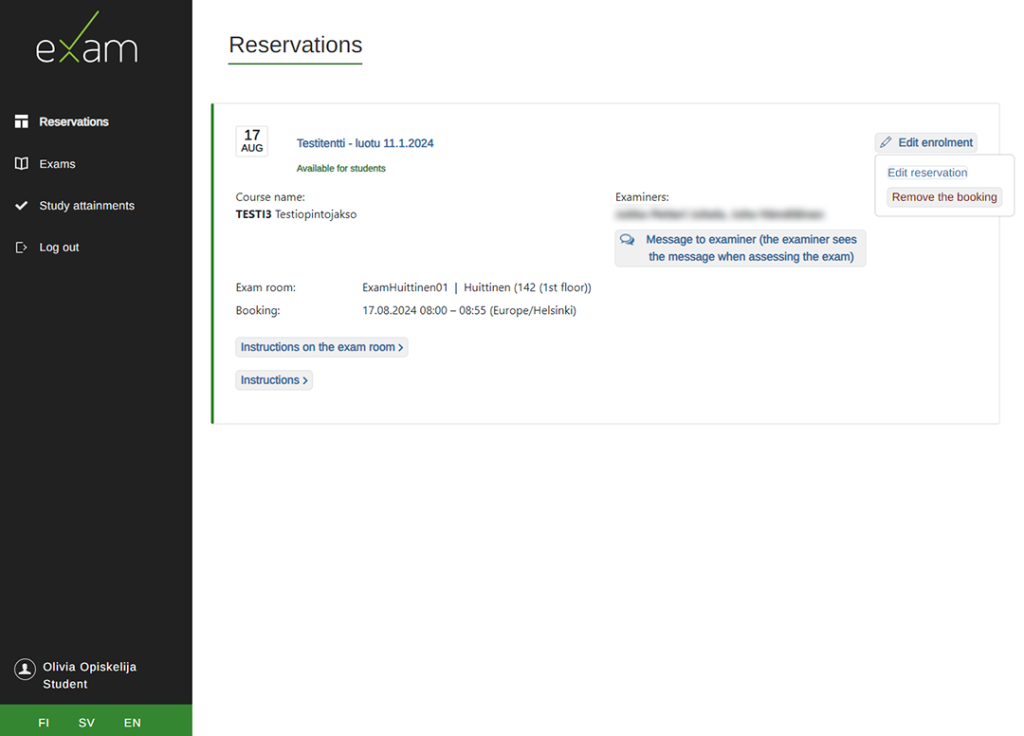
Suomi Go to the Reservations page. In the top right corner of the exam registration information, select Edit enrolment and under it either Edit reservation or Remove booking.
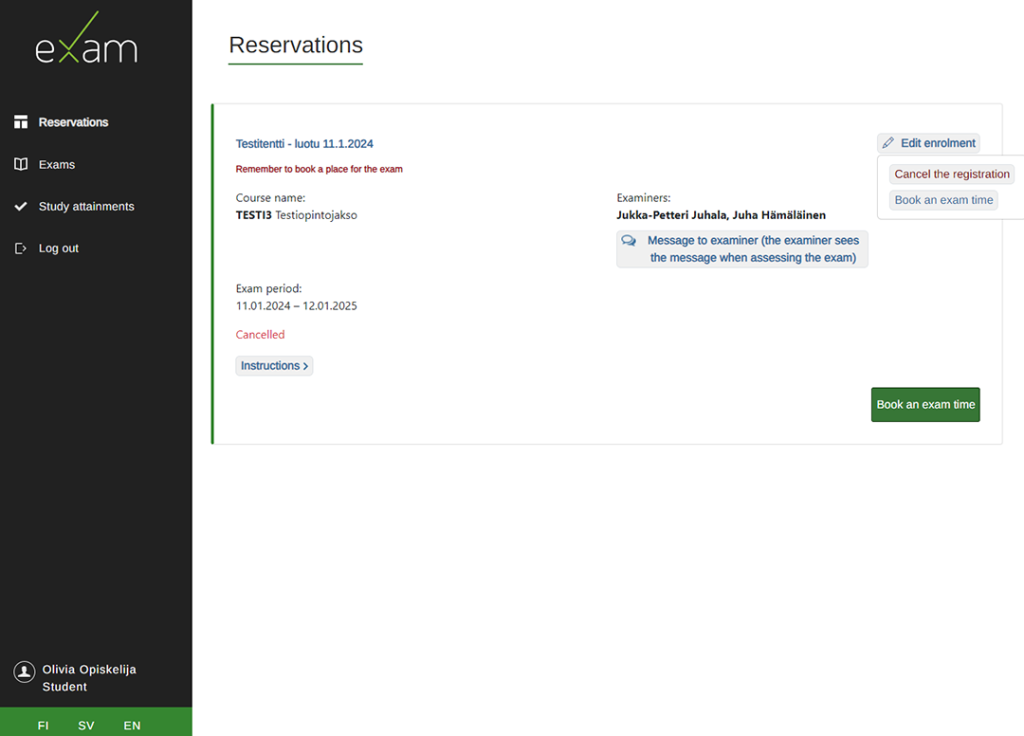
Cancellation of exam registration
After removing your reservation, you can book a new exam date or cancel your exam registration.